OPEN APPS. YOUR INFRASTRUCTURE.
Run AI and apps.
On your own server.
Host4AI helps you find and deploy tools for AI, automation and databases. Choose an app. Make it yours with Dokploy.
Deployment requires your own VPS and Dokploy.
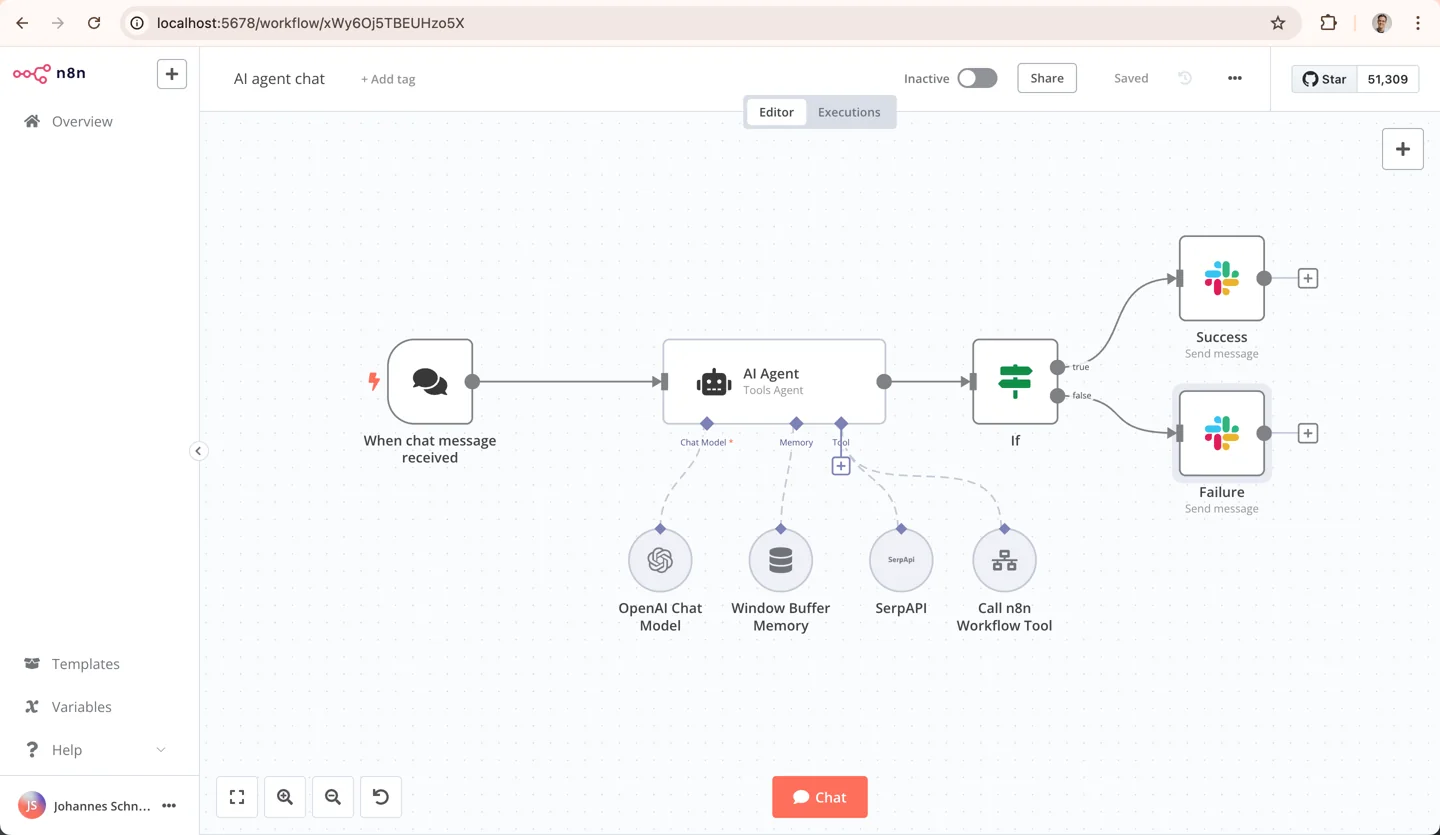
n8n · Workflow automation


A GOOD PLACE TO START
What do you want to build?
Start with a useful app. Explore the possibilities from there.
Your own AI assistant
Chat with language models in your own interface.
Make your tools work together
Connect apps and automate repetitive tasks.
A backend for your next idea
Build with Postgres, authentication and file storage.
Build an agent, visually
Connect models, data and tools in visual AI flows.
Already have something in mind?
518 application templates to explore.
FROM CATALOG TO YOUR SERVER
Your next app, in three steps.
- 01
Find your app
Explore the catalog and choose a tool for what you want to do.
- 02
Connect your server
Sign in and connect Dokploy running on your VPS.
- 03
Deploy and configure
Choose a project, start deployment and finish the app’s setup.
You manage your server, app settings, updates and backups. Host4AI brings app discovery and deployment together.
START WITH YOUR OWN CODE
Building a website instead?
Choose an Astro or Next.js starter with editable source.