Google Tasks
Read and changeRead and manage the owner's Google Tasks lists and tasks.
- Read and change
mcp.host4ai.se/google-tasks/mcp
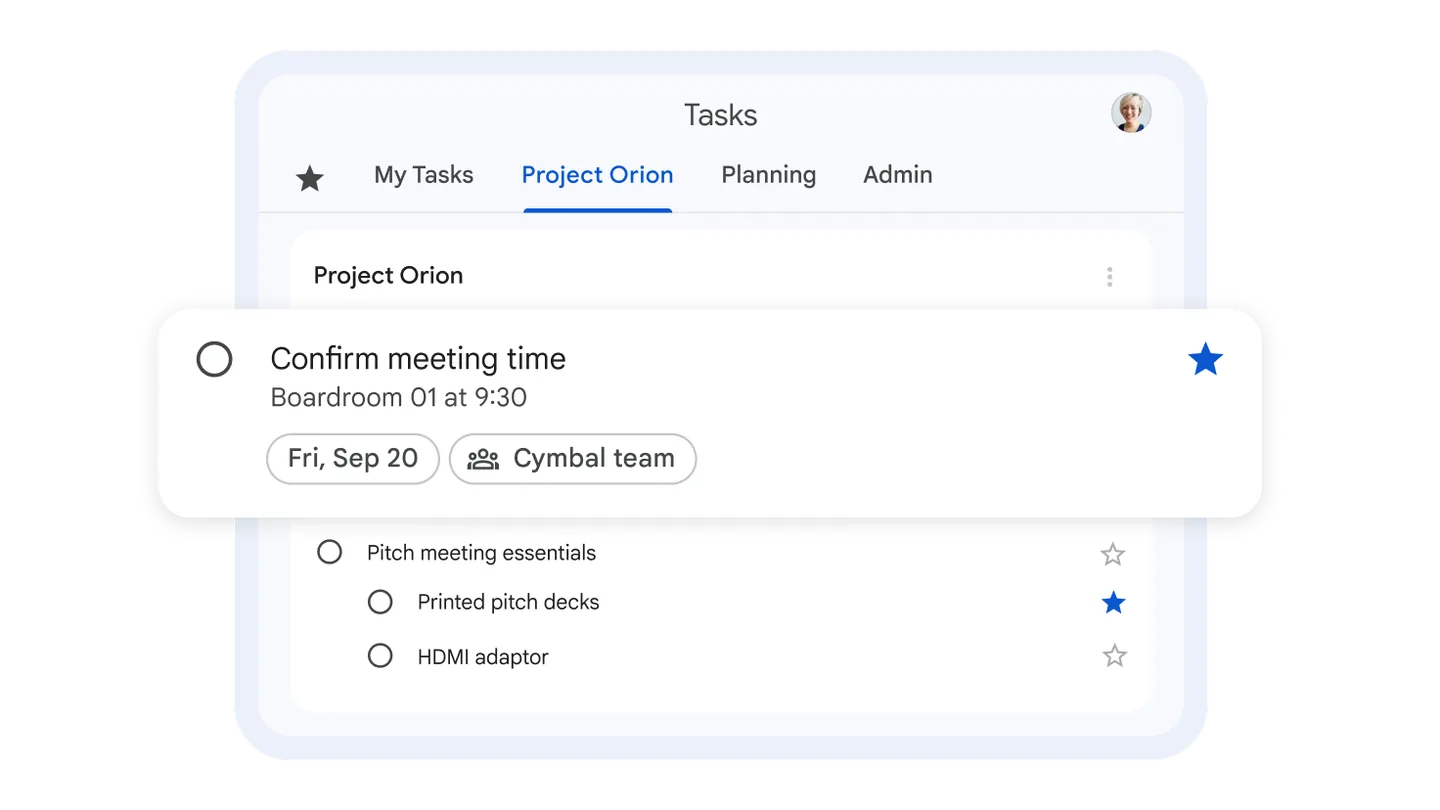
Task lists in Google Tasks. Screenshot: Google
Host4AI / MCP connectors
How Host4AI connects Claude, ChatGPT and Ægentica to its own services: 19 MCP servers on one VPS, behind one owner-only sign-in.
Last checked
 Claude
 ChatGPT
These connectors are private: they work only for the owner's account. This page shows what we run and how it is built. It is not a service you can connect to.
An MCP connector, or MCP server, lets an AI app such as Claude or ChatGPT read data in another service and, where the connector allows it, change it. MCP stands for Model Context Protocol, an open standard for how AI apps connect to tools and data.
A regular API needs its own integration in every app. MCP is one shared interface: the same connector works in Claude, ChatGPT and Ægentica.
Every connector trusts the same authorization server. Only the owner's Google account can sign in, and each pass works for exactly one connector.
Each service has its own MCP address. Read-only and read-and-write versions are separate addresses, so a reading pass can never change anything.
Google tokens and provider API keys never reach Claude, ChatGPT or the browser. They are kept encrypted in the sign-in server or in the server's own environment.
Read and manage the owner's Google Tasks lists and tasks.
mcp.host4ai.se/google-tasks/mcpTask lists in Google Tasks. Screenshot: Google
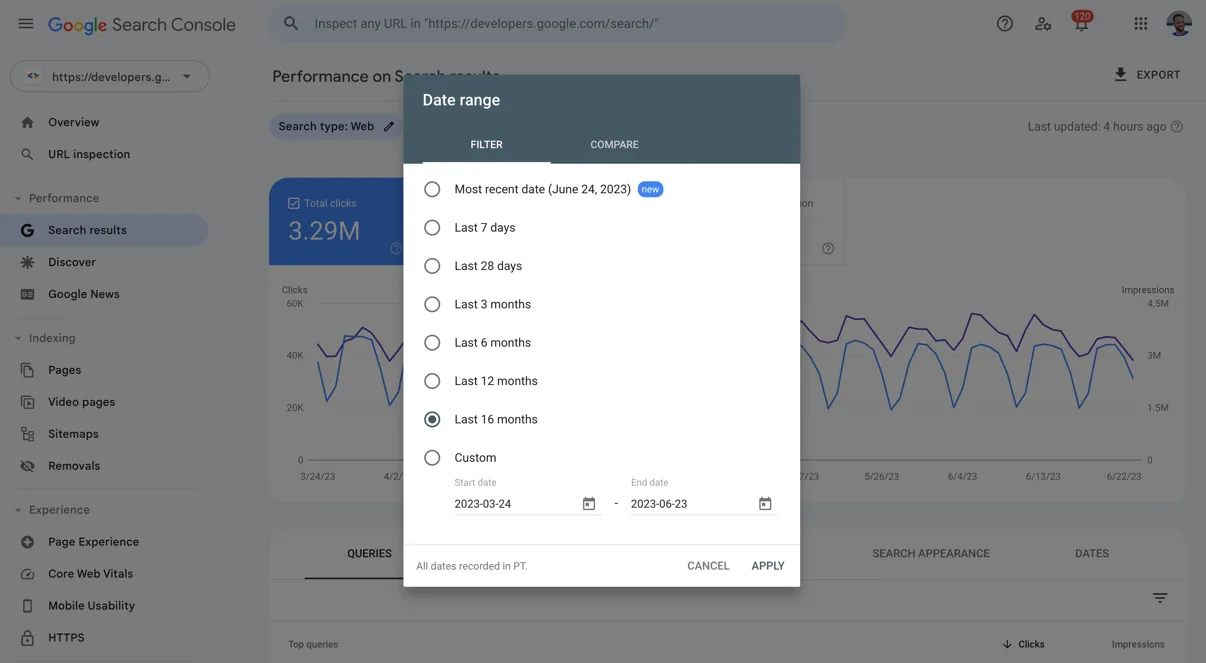

Search performance, URL inspection and sitemaps for every Search Console site on the owner's Google account.
mcp.host4ai.se/search-console/mcpThe Search Console performance report. Screenshot: Google
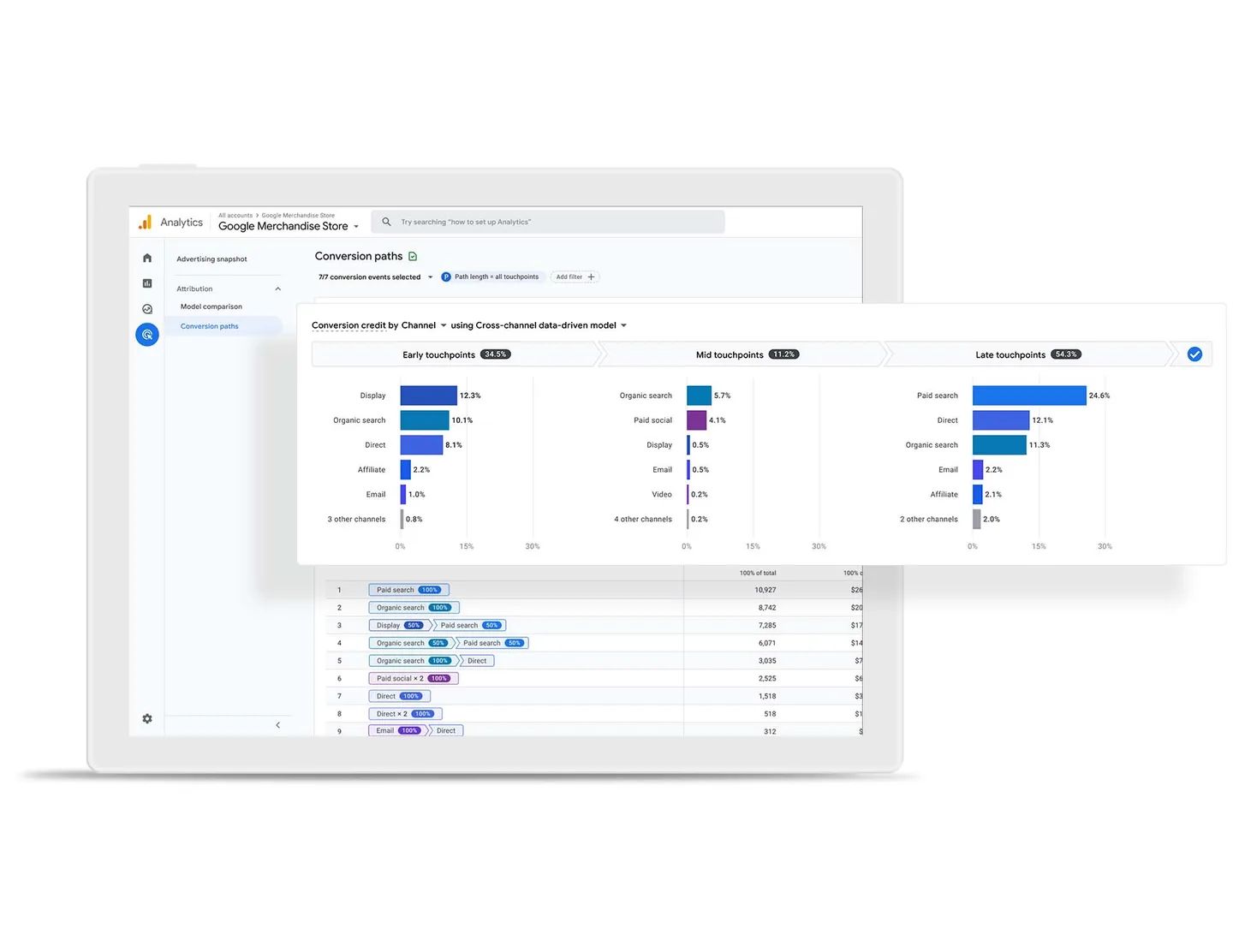

Reports, realtime data and setup details for every GA4 property on the owner's Google account (read-only).
mcp.host4ai.se/ga4/mcpConversion paths in Google Analytics 4. Screenshot: Google
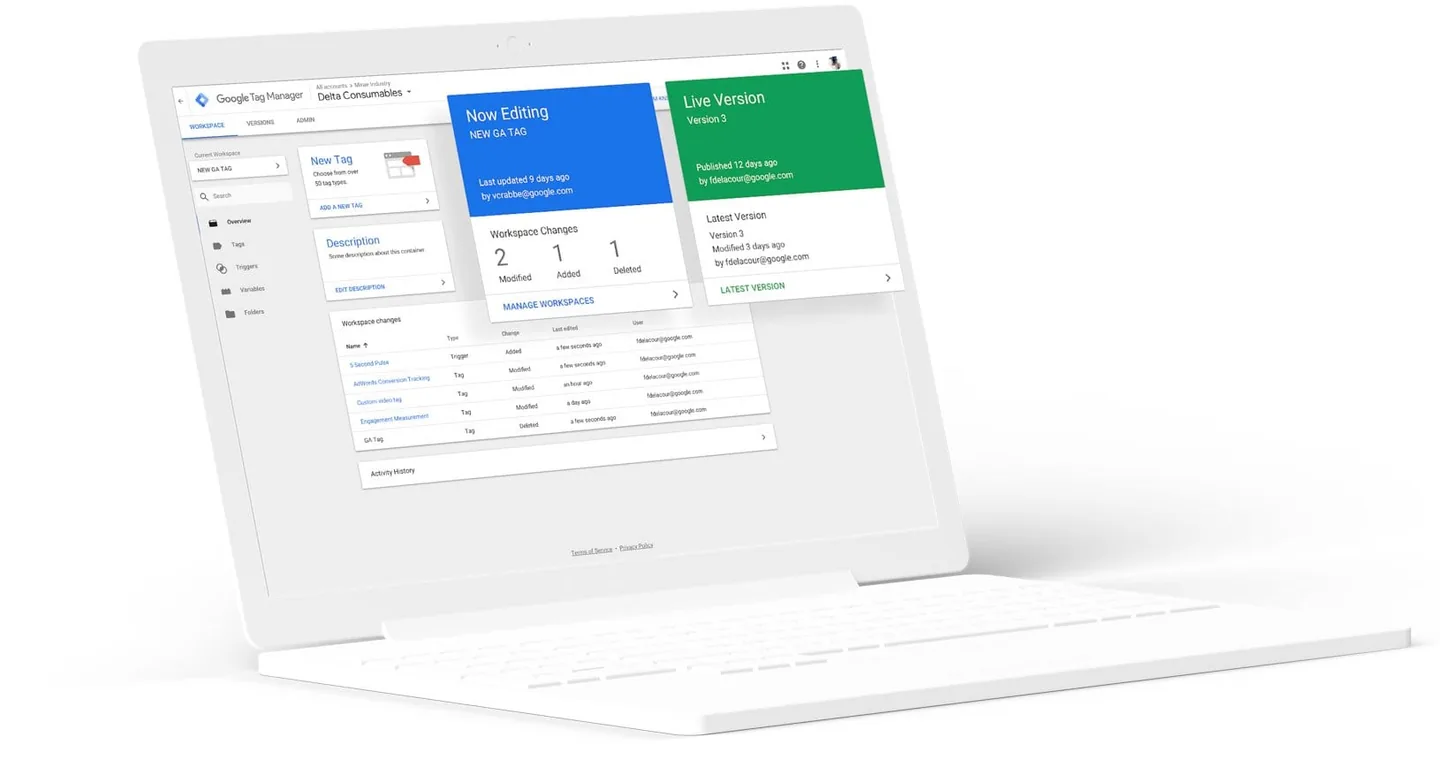

Accounts, containers, workspaces, live tags/triggers/variables and version history for every GTM container on the owner's Google account (read-only).
mcp.host4ai.se/tag-manager/mcpA Google Tag Manager workspace. Screenshot: Google
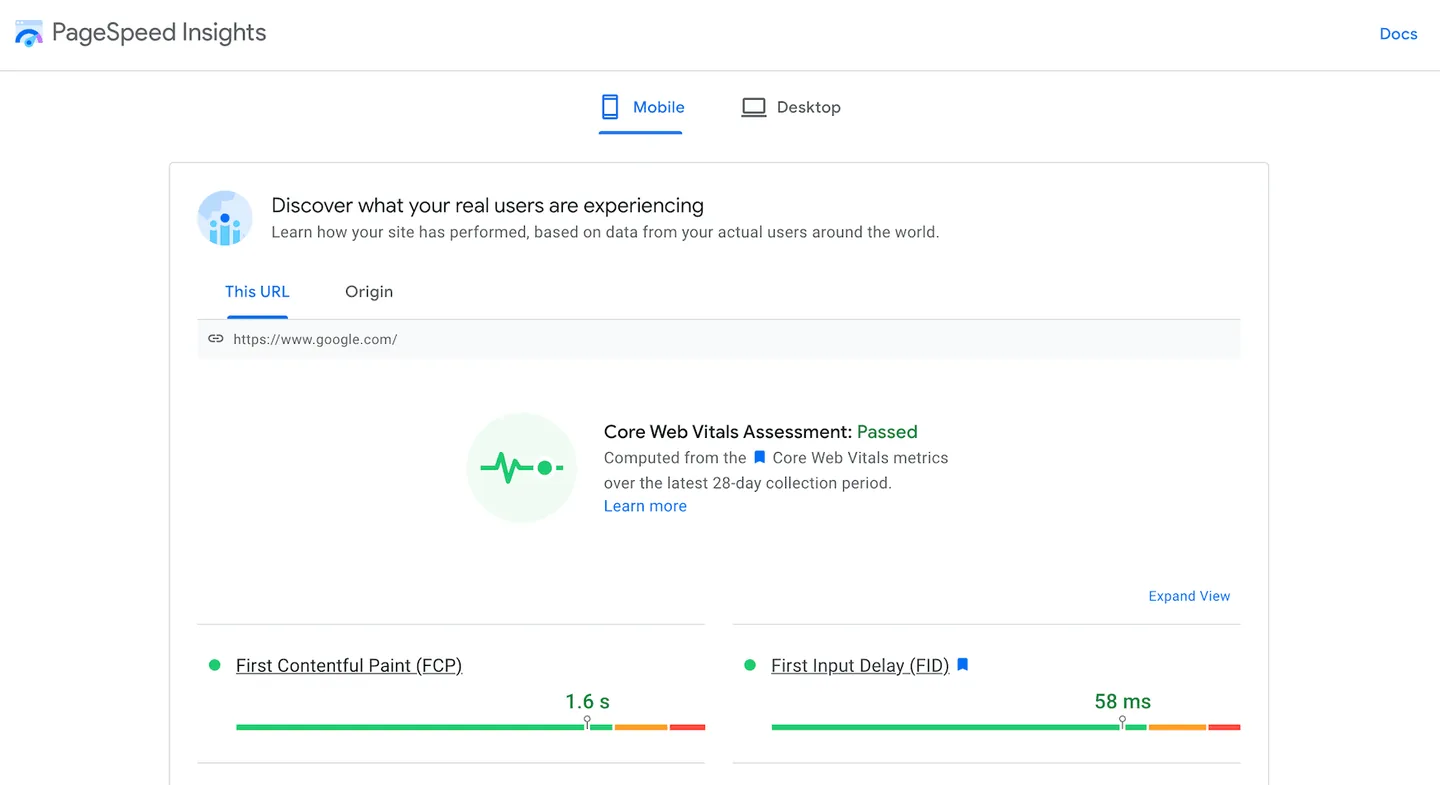
Lighthouse scores, Core Web Vitals and improvement suggestions for any URL.
mcp.host4ai.se/pagespeed/mcpCore Web Vitals in PageSpeed Insights. Screenshot: Google
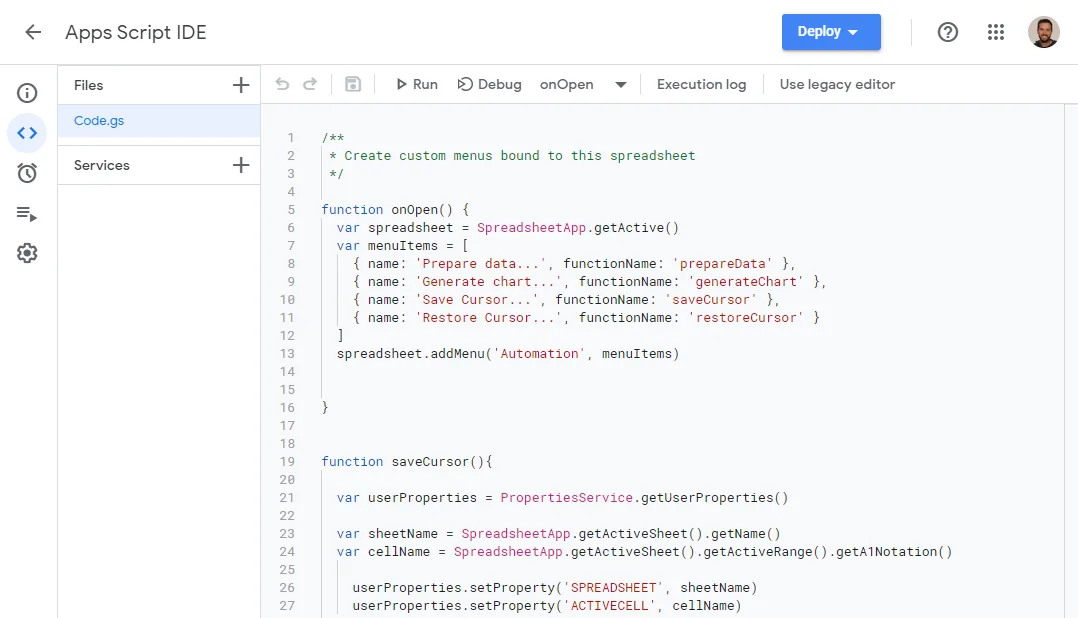
List, read, create, edit, version, deploy and run the owner's Google Apps Script projects.
mcp.host4ai.se/apps-script/mcpThe Apps Script code editor. Screenshot: Google
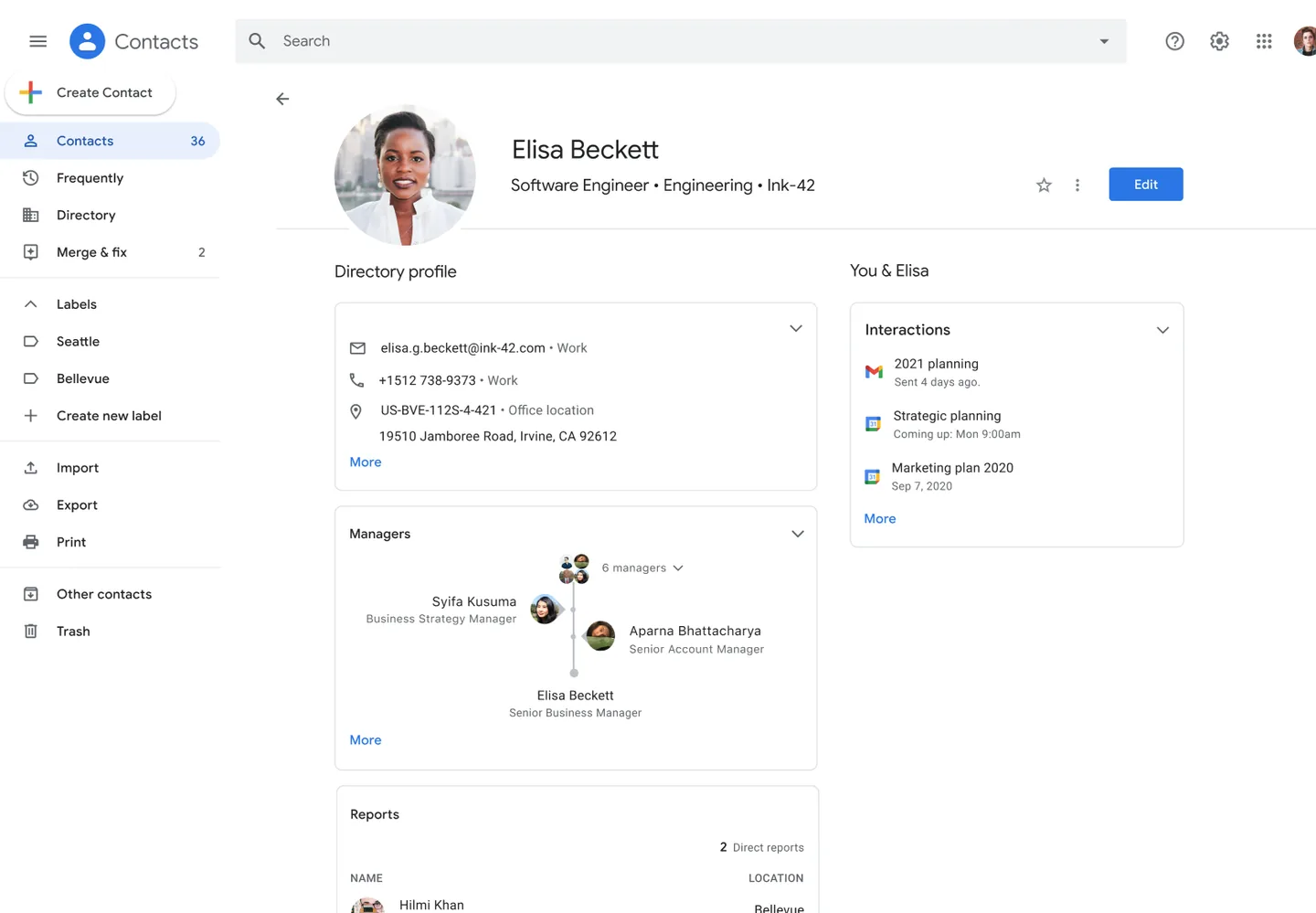

Read, search, create, update and delete the owner's Google Contacts.
mcp.host4ai.se/contacts/mcpA contact profile in Google Contacts. Screenshot: Google
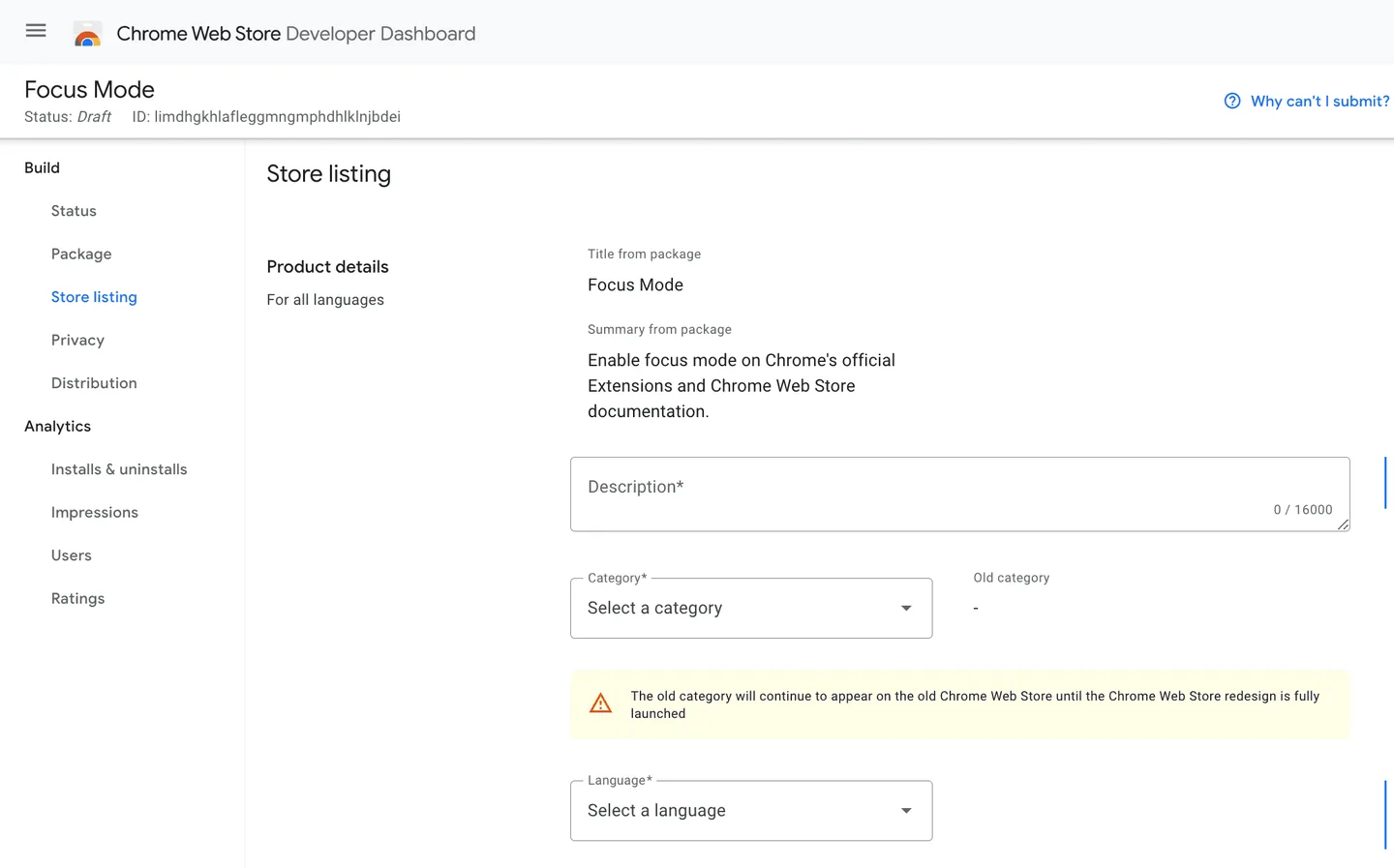
Check status, upload, submit, cancel and roll out the owner's Chrome extensions (Chrome Web Store API v2).
mcp.host4ai.se/chrome-web-store/mcpThe Chrome Web Store developer dashboard. Screenshot: Google
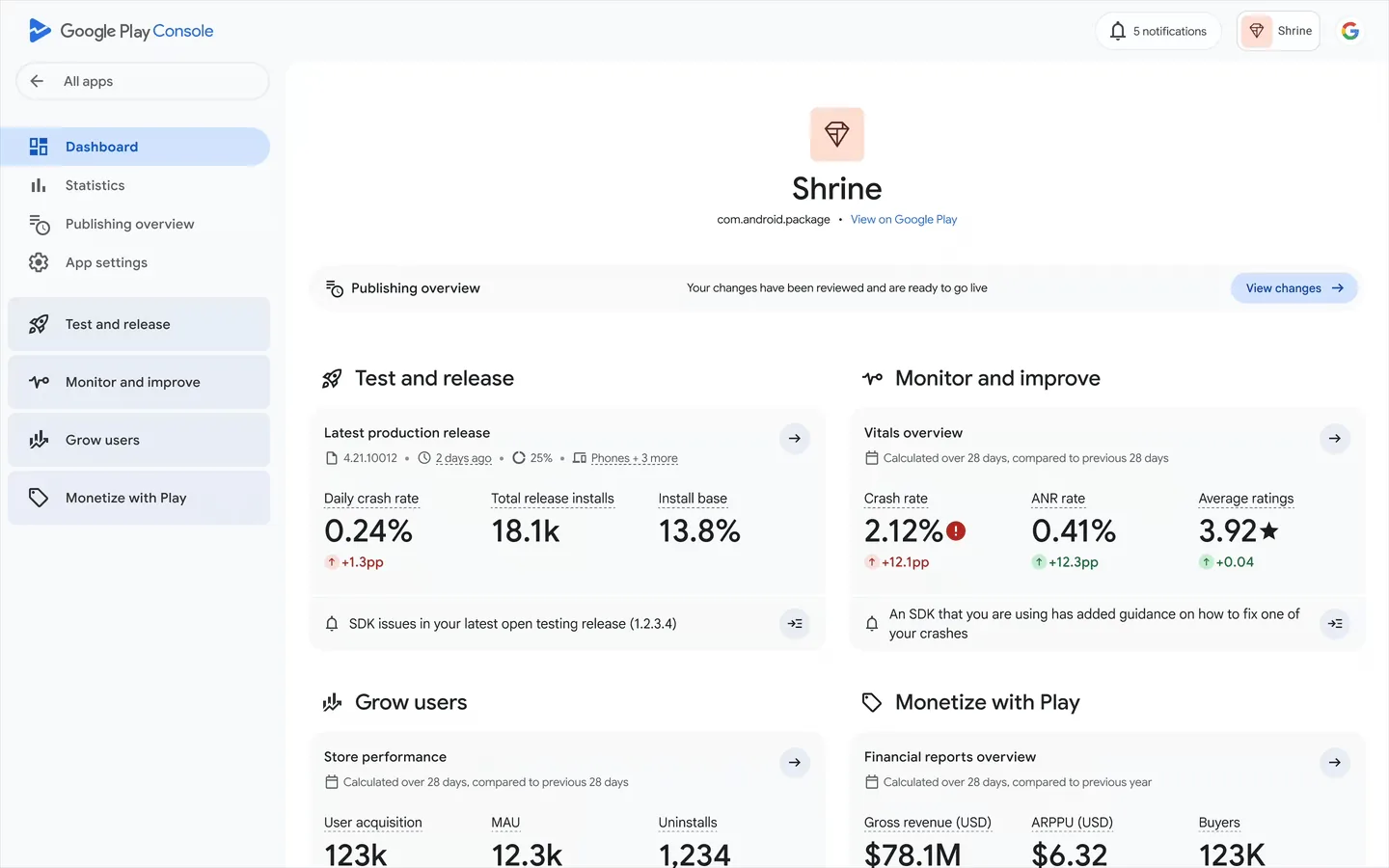

The owner's Android apps: releases, store listings, reviews and replies, crash and ANR rates.
mcp.host4ai.se/play-console/mcpThe app dashboard in Google Play Console. Screenshot: Google
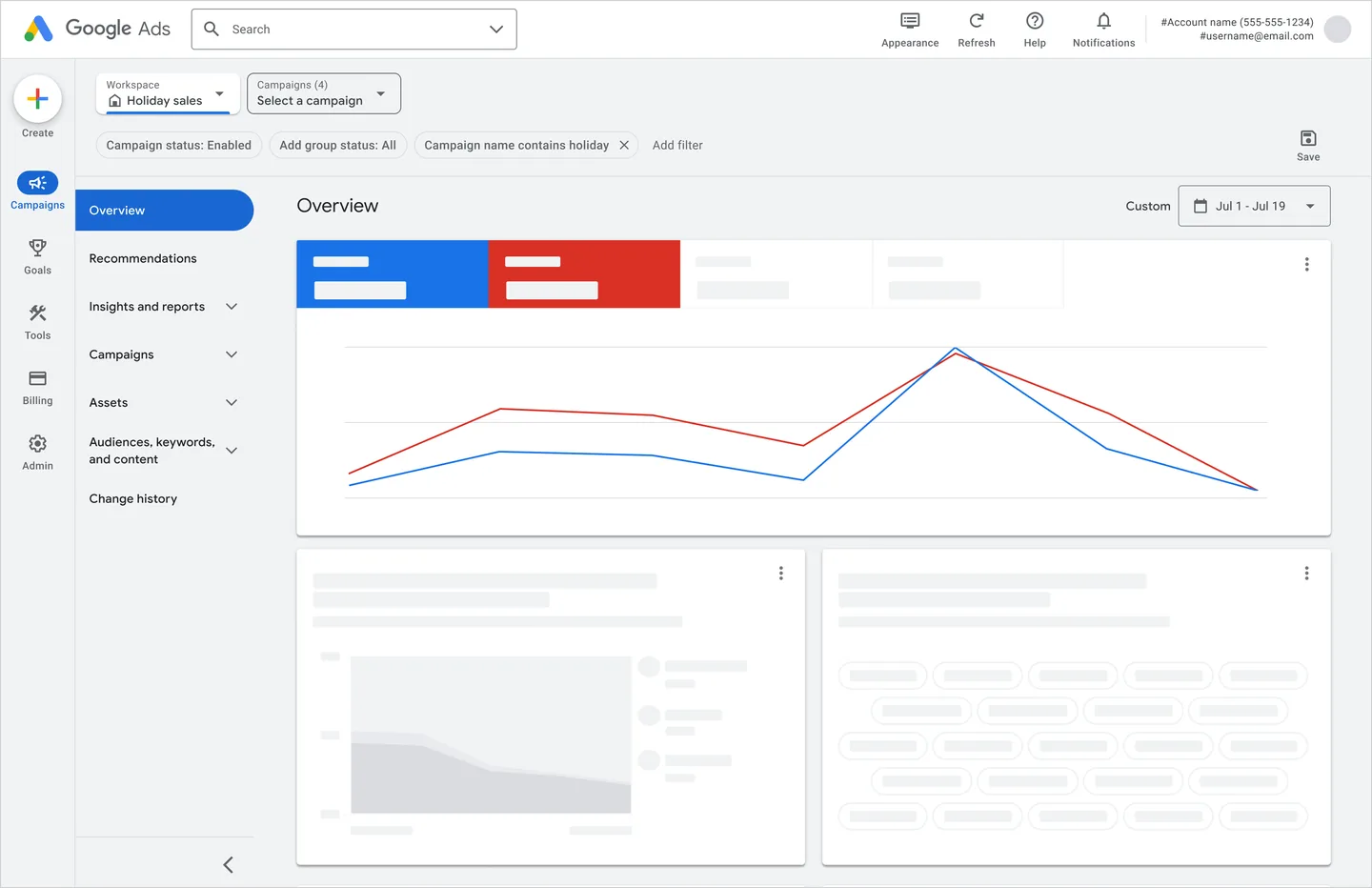
Read-only Google Ads reporting for the owner's accounts (mirrors Google's official google-ads-mcp tools).
mcp.host4ai.se/google-ads/mcpThe campaign overview in Google Ads. Screenshot: Google
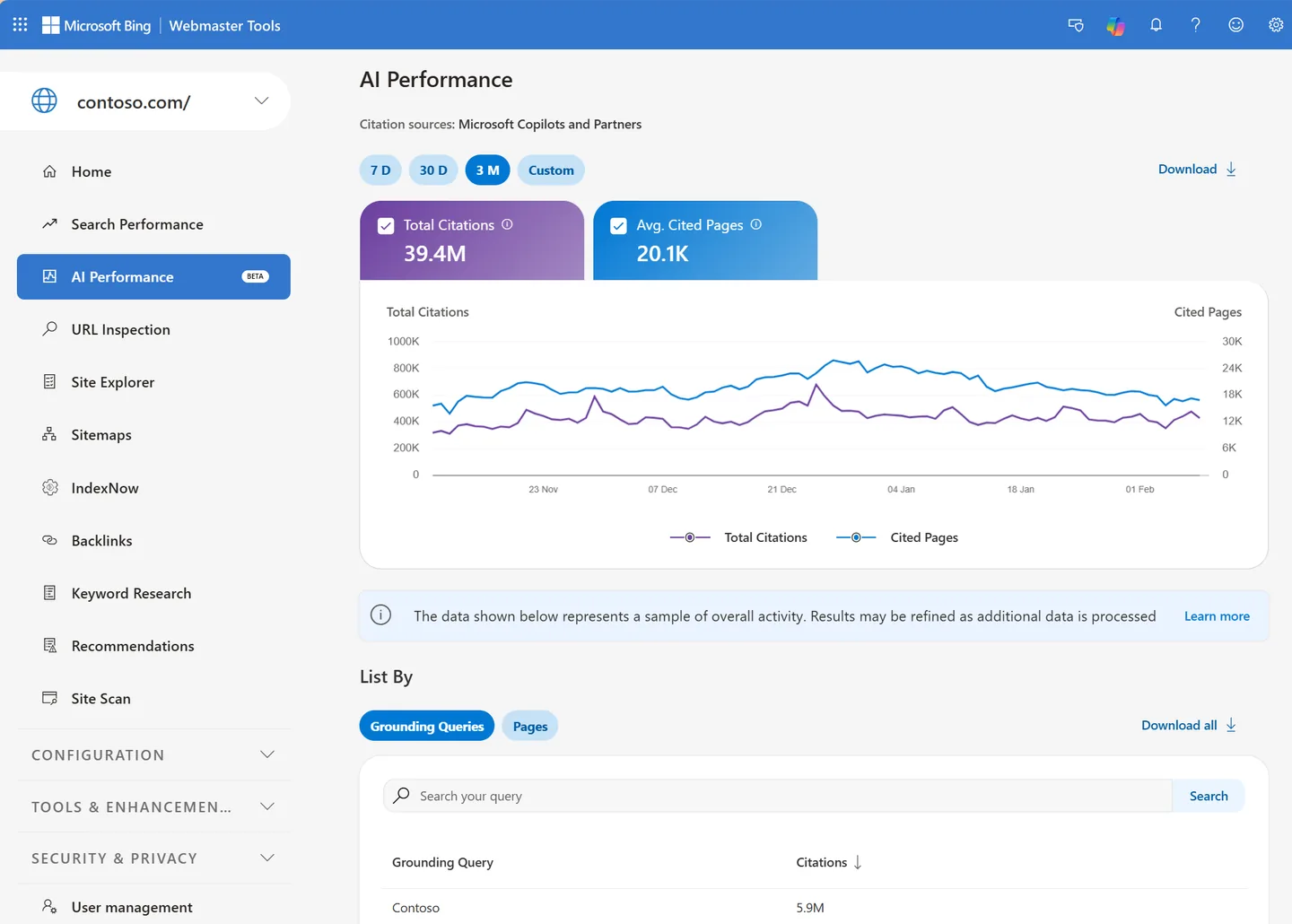

Bing search performance, crawl health, sitemaps, URL submission, keyword research and inbound links for every verified site of the owner.
mcp.host4ai.se/bing-webmaster/mcpThe AI Performance report in Bing Webmaster Tools. Screenshot: Microsoft
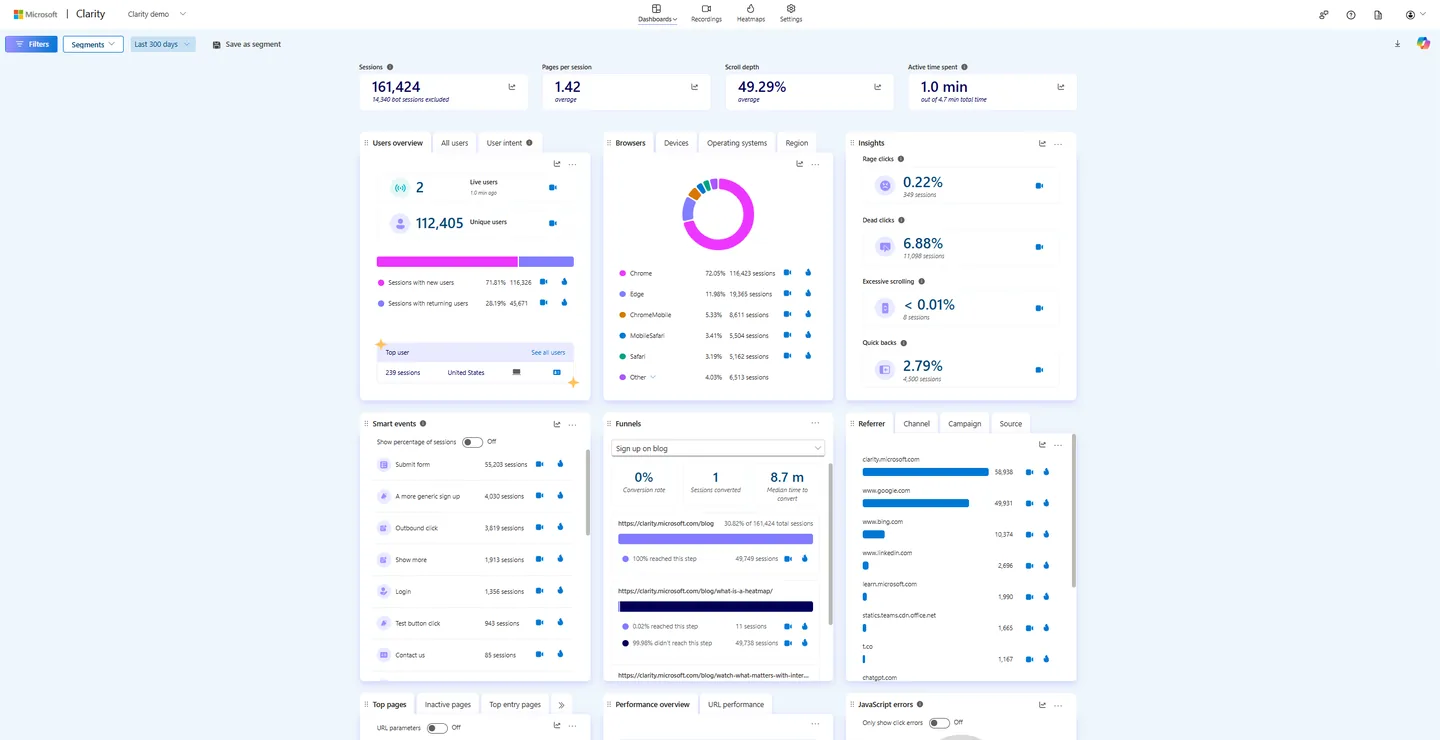
Behaviour analytics for the owner's websites: sessions, engagement, frustration signals, popular pages, recordings and plain-language questions.
mcp.host4ai.se/clarity/mcpThe Microsoft Clarity dashboard. Screenshot: Microsoft
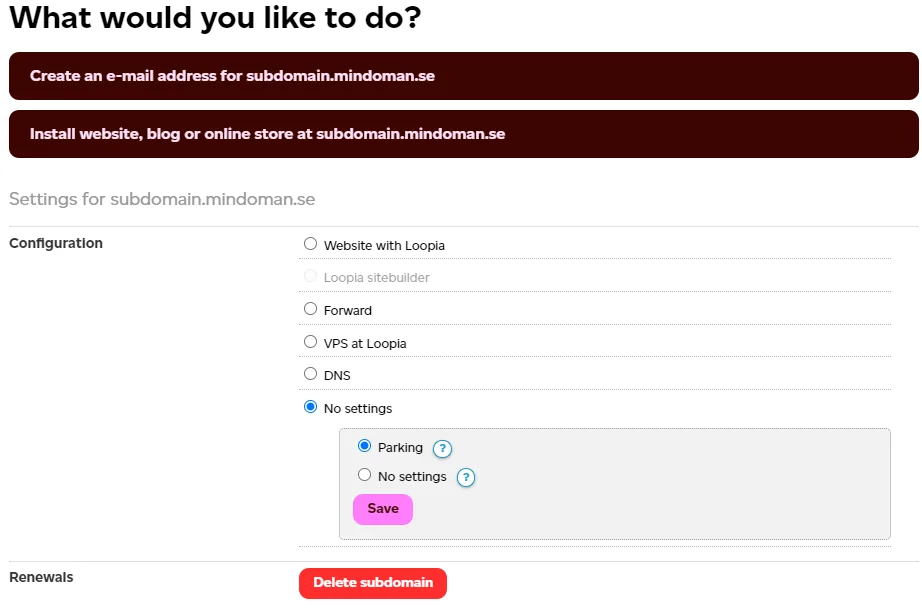

Domains, DNS zones, subdomains, credits and invoices in the owner's Loopia account (read and change).
mcp.host4ai.se/loopia-read/mcpmcp.host4ai.se/loopia/mcpSubdomain settings in Loopia Customer Zone. Screenshot: Loopia
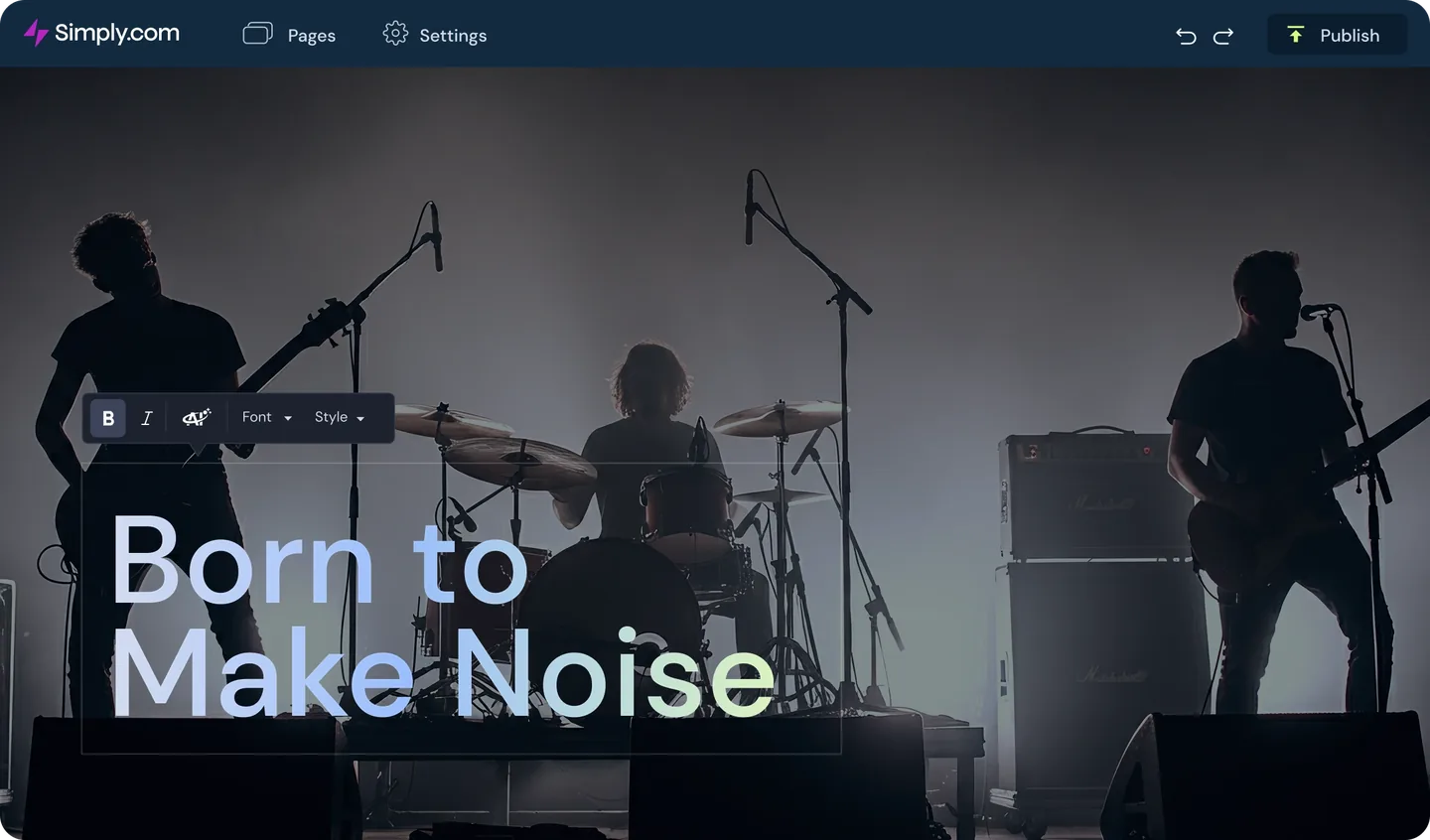

Products, DNS records, nameservers, MySQL databases and invoices in the owner's Simply.com account (read and change).
mcp.host4ai.se/simply-read/mcpmcp.host4ai.se/simply/mcpSimply.com's website builder; the connector handles DNS and domains. Screenshot: Simply.com
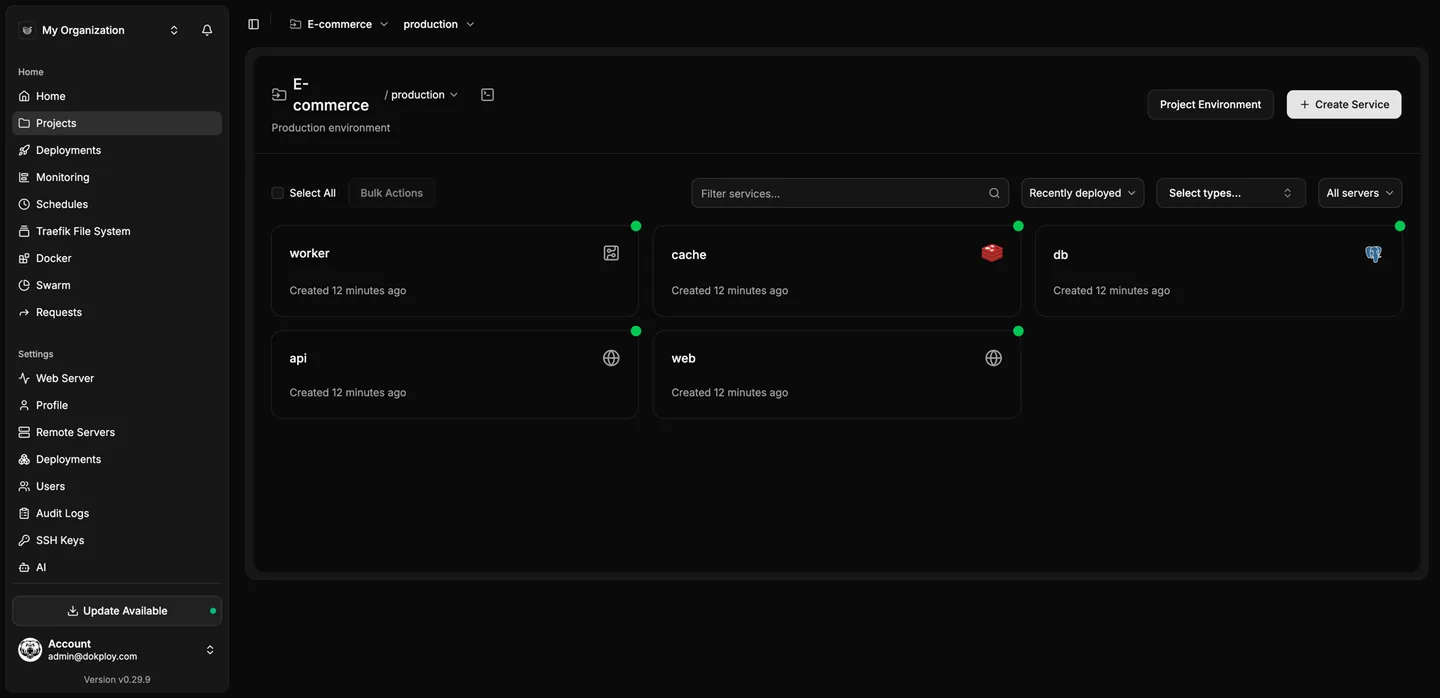
Projects, apps, compose stacks, domains, deployments and logs on the owner's Dokploy server.
mcp.host4ai.se/dokploy/mcpA project view in Dokploy. Screenshot: Dokploy
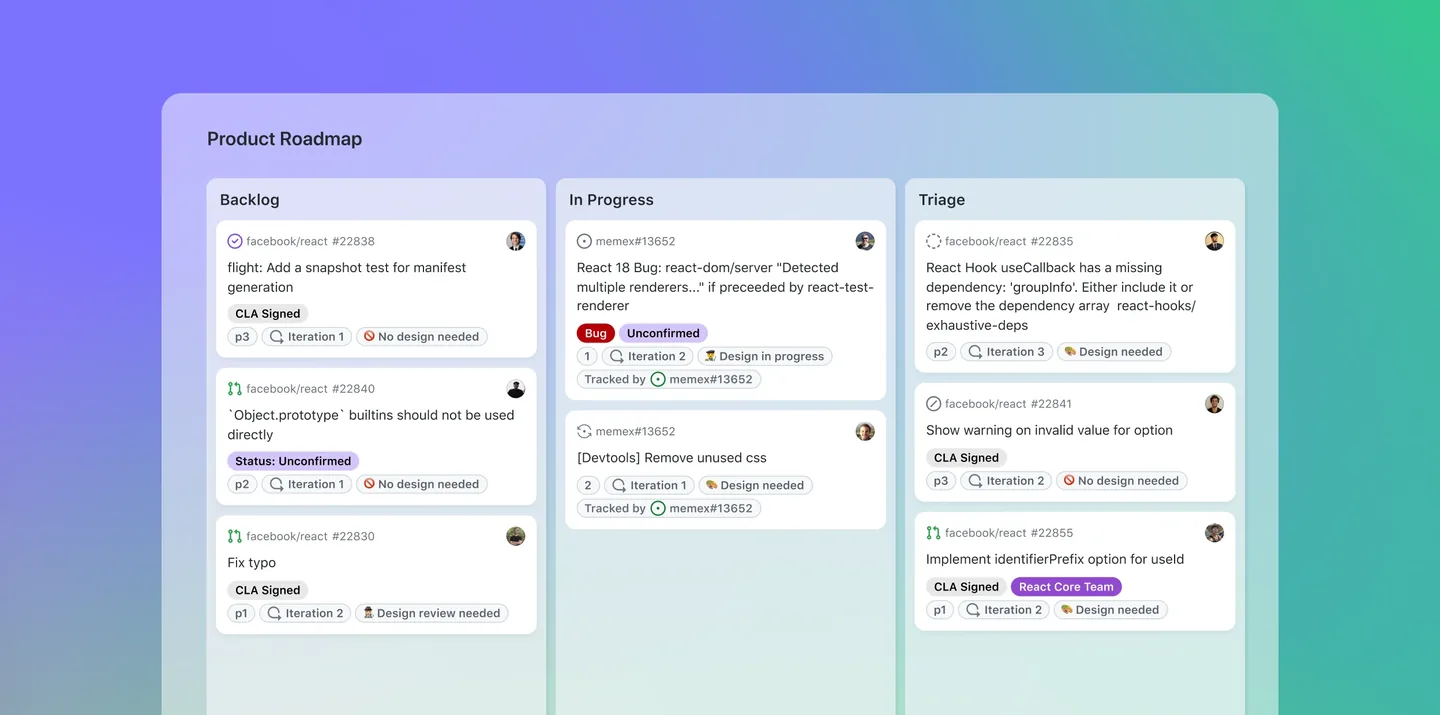

The owner's GitHub repositories, issues, pull requests, Actions and Pages (official github-mcp-server plus extra tools).
mcp.host4ai.se/github/mcpA project board on GitHub. Screenshot: GitHub
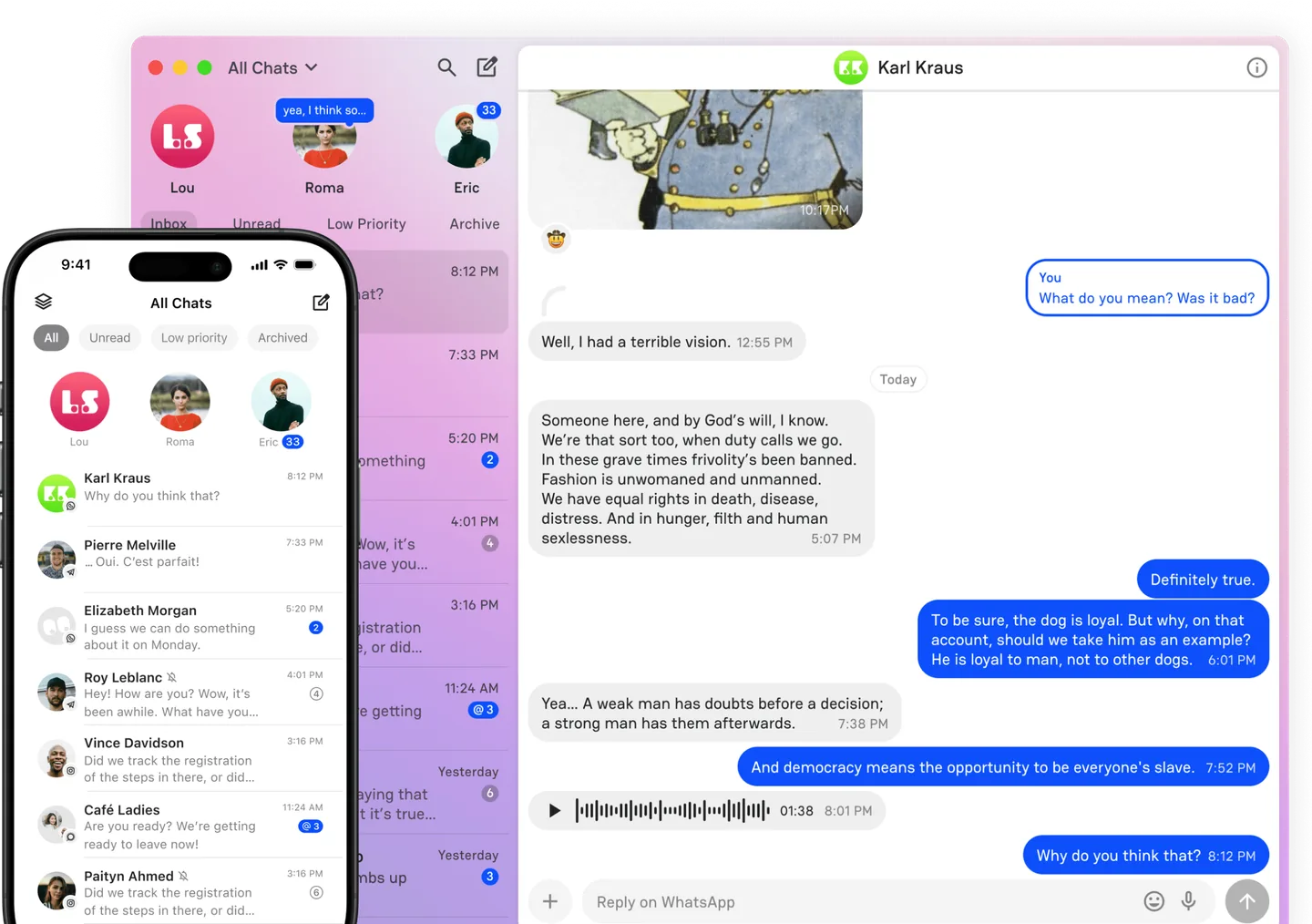

The owner's Beeper chats and messages (off unless started on request).
mcp.host4ai.se/beeper/mcpBeeper's unified inbox. Screenshot: Beeper
Every connector is added to Claude and ChatGPT as a custom connector with its own address, and to Ægentica, our own assistant. The apps show each connector's tools, and each tool can be set to ask first or to always run.
No. They only work for the owner's Google account. This page shows how they are built.
The read-only address and the read-and-change address are separate. A pass for the read-only address can never change DNS, domains or invoices.
On the server: Google tokens are stored encrypted in the sign-in server, other keys in the key vault or the server's own environment. They never reach Claude, ChatGPT or the browser.
Some are. GitHub runs GitHub's official github-mcp-server with extra tools, Dokploy runs the official Dokploy MCP tools, and Google Ads mirrors the tools in Google's official google-ads-mcp. Host4AI adds the shared sign-in in front of all of them.
The connectors run on a VPS at HostUp. Google, Microsoft and the other services keep their data on their own servers, so a connector does not decide where that data is stored.
List as of 2026-10-21. Current status, icons and featured images for every connector are on mcp.host4ai.se. Logos and screenshots are the vendors' own published images and identify the service each connector reaches. The trademarks belong to their owners; Host4AI is not affiliated with them.